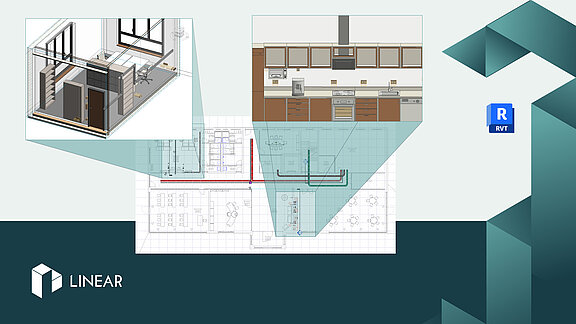
Course: Desktop Electrical
Course content
- General
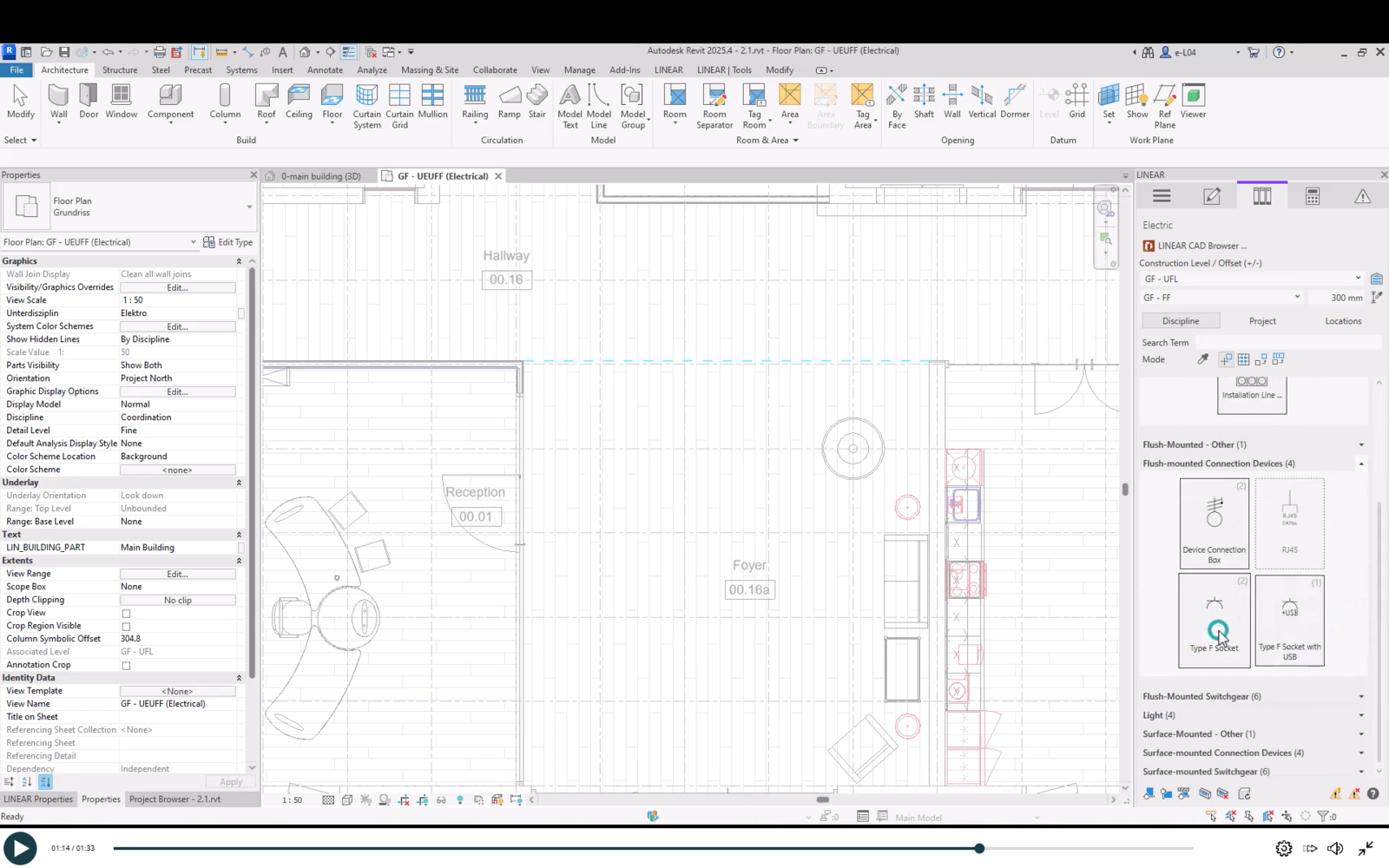
- Placing Components from the Library
- 2.1 Library and Settings for Placement
- 2.2 Placement Modes
- 2.3 Swap Family using the Revit Properties
- 2.4 Aligning Placed Elements
- 2.5 Placing Light Switches
- Installations in a Kitchen
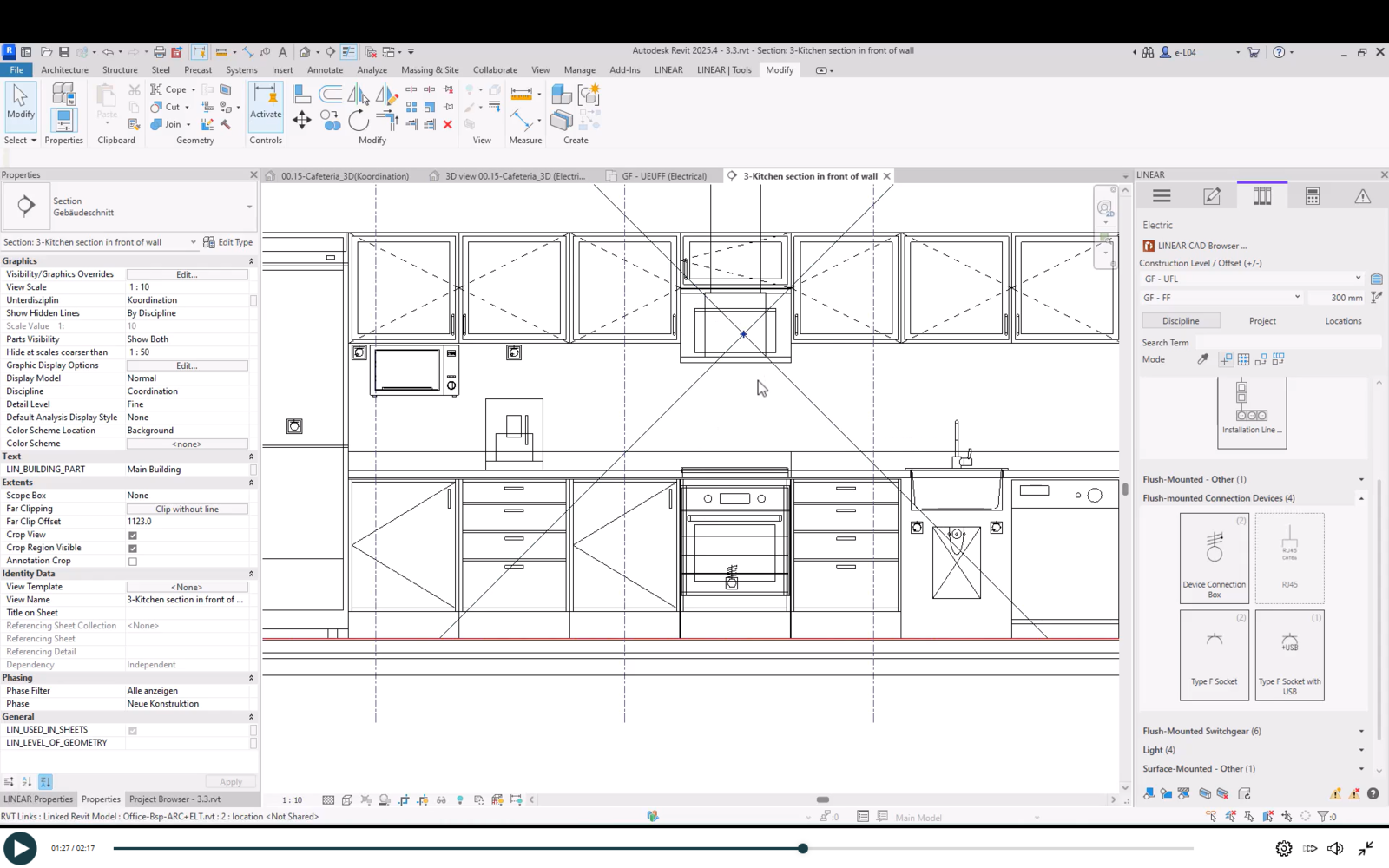
- 3.1 Positioning Installation Devices
- 3.2 Aligning Installation Devices
- 3.3 Additional Installation Devices Behind Cabinets
- 3.4 Configuring and Placing Frames with Device Combinations
- 3.5 Dimensioning and Align Installation Devices
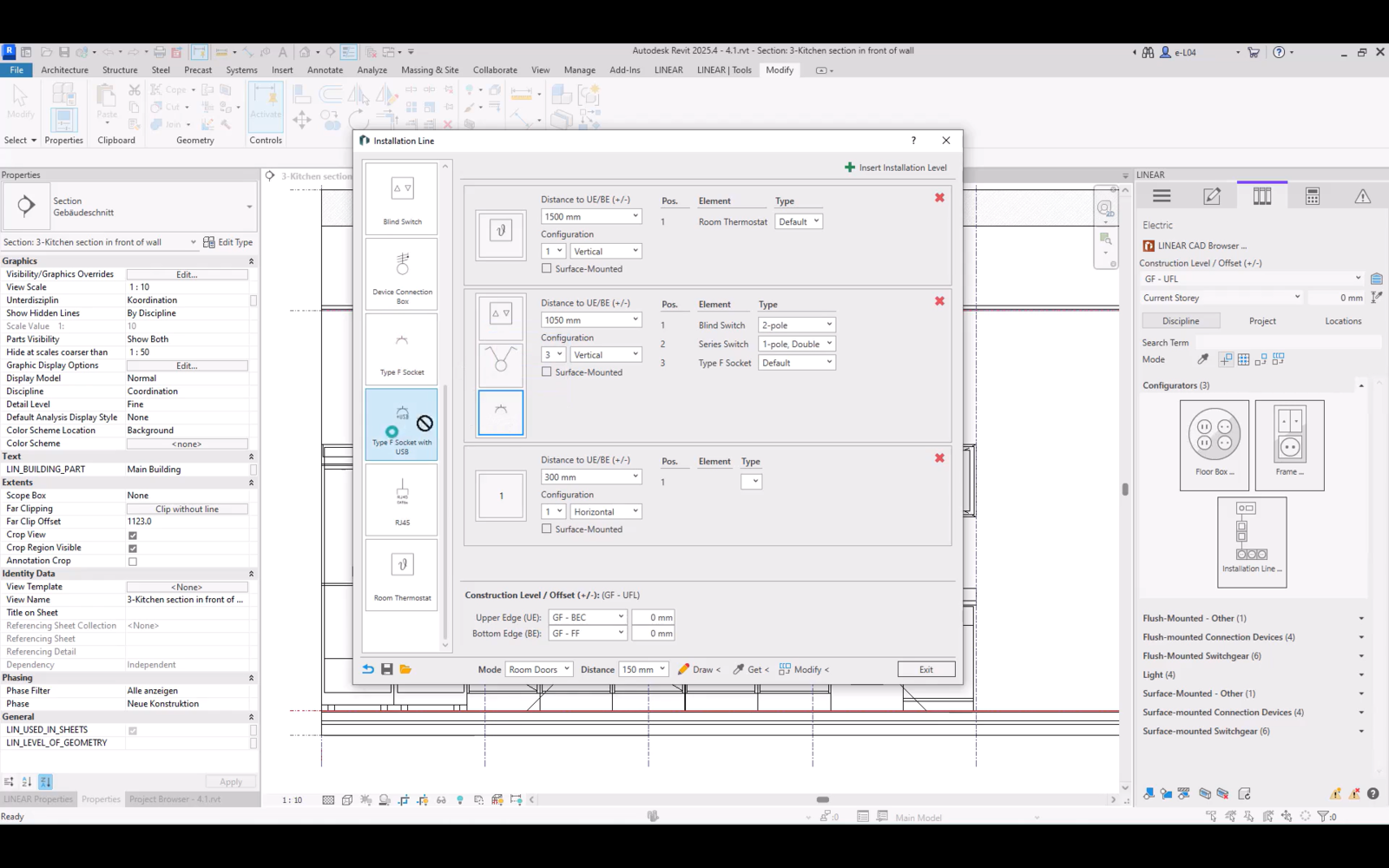
- Desktop Electrical – Configurator for Installation Lines
- 4.1 Configurator for Installation Lines
- 4.2 Placement Modes
- 4.3 Retrieving Configurations from the Model
- 4.4 Management of Configuration for Installation Lines
- 4.5 Placement using the Freehand Mode
- 4.6 Placement Mode Freehand at the Next Edge
- 4.7 Door Placement Mode (exterior)
- 4.8 Placement Mode Room – Doors
- 4.9 Changing the Placement Mode
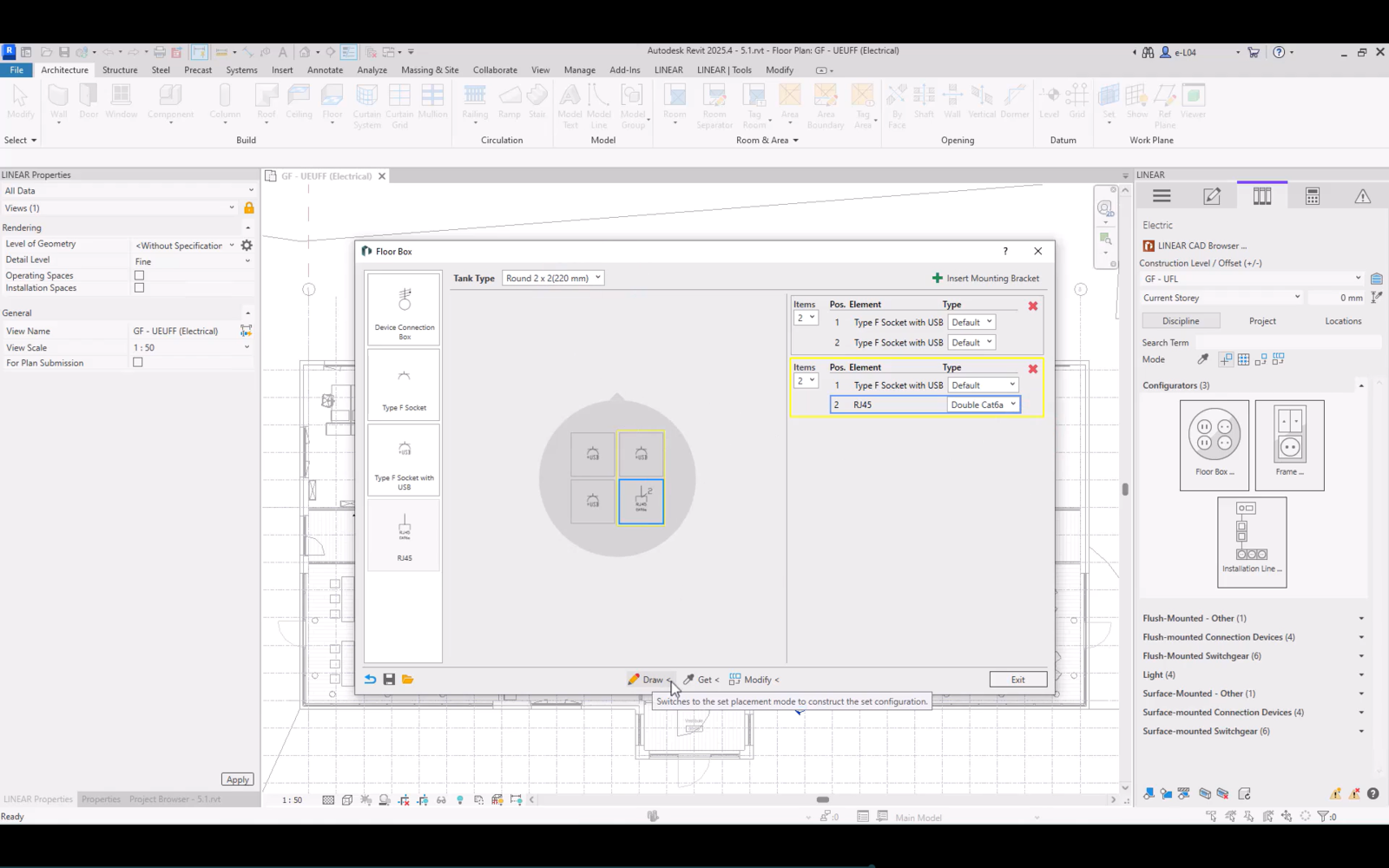
- Configuring and Positioning floor boxes
- Cable Trays / Cable Ladders / Conduits
- 6.1 Inserting Cable Trays and Conduits
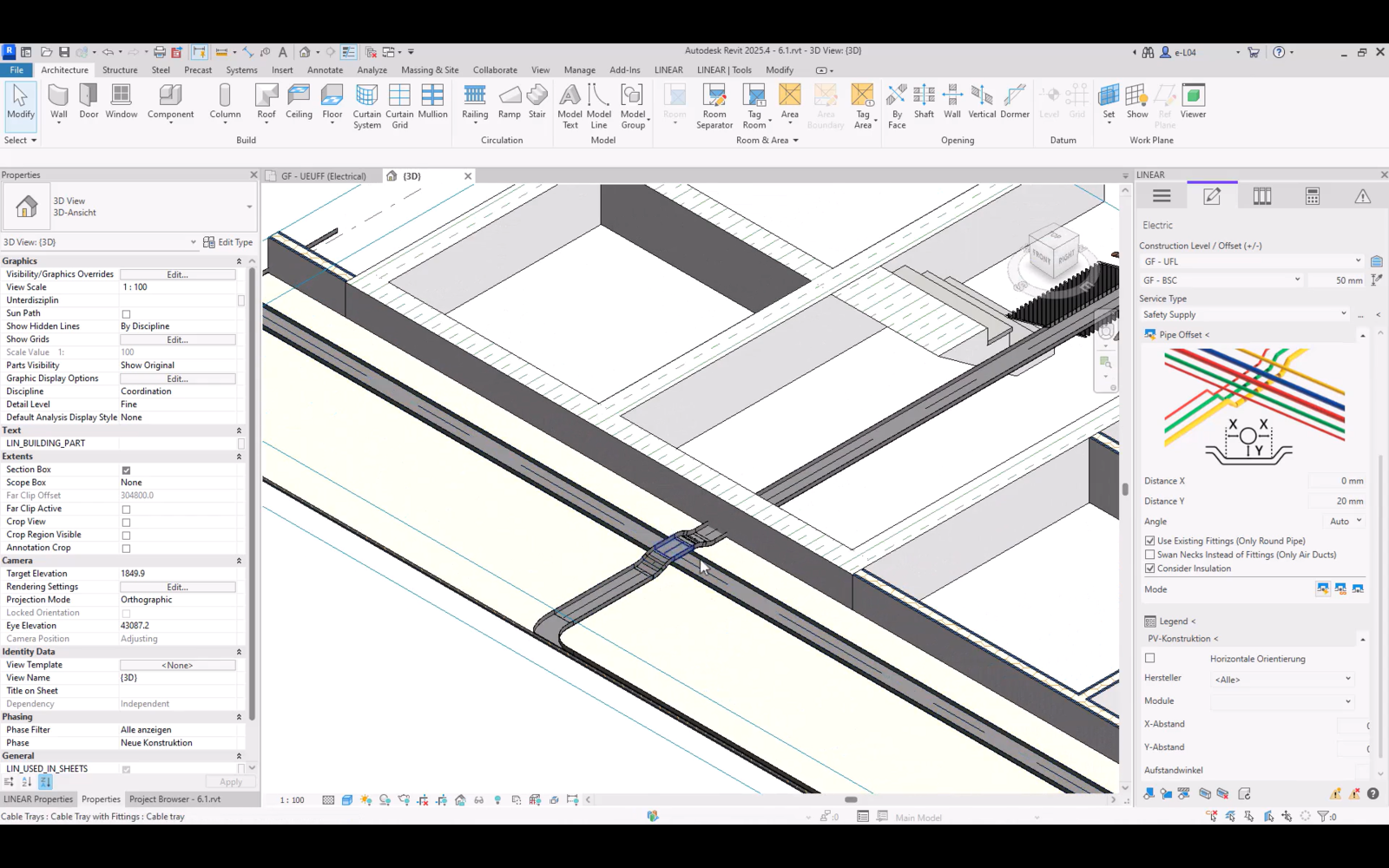
- 6.2 Cable Route Offset and Conduits
Write a comment
You must be logged in to comment.