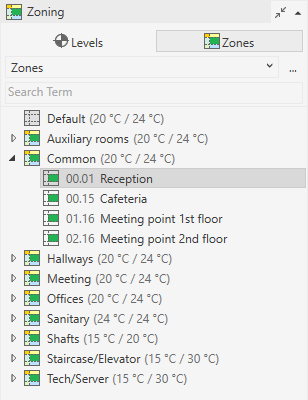
-
Open the Zoning section and select Zones.
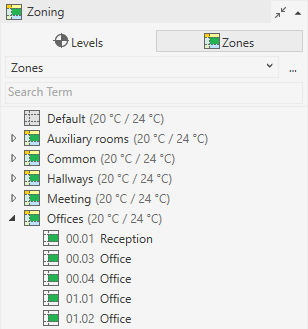
-
In the upper area, use the drop-down list to select an zone type, e.g. Zones.
-
Select the room you would like to assign to a zone, e.g. a zone with different target temperatures.
-
Hold Ctrl and select other rooms you would like to assign to the other zone.
-
Right-click to open the context menu.
-
Move your mouse over the menu item Move to.
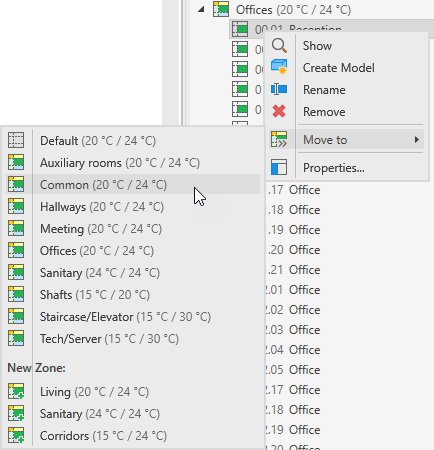
-
Select the desired zone.
The selected rooms have been assigned to the other zone.