Map Shared External Parameter to LINEAR Parameters
Shows step-by-step how to map a shared parameter from non-LINEAR-context to an LINEAR parameter.
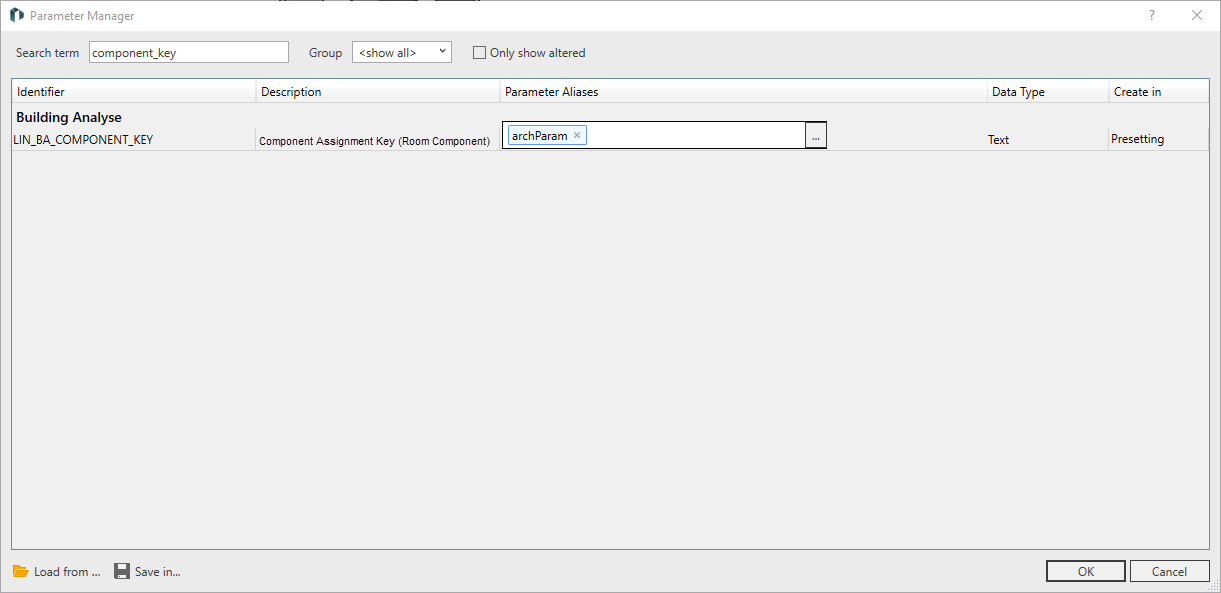
Enter the name of the LINEAR target parameter in the Search Term field.
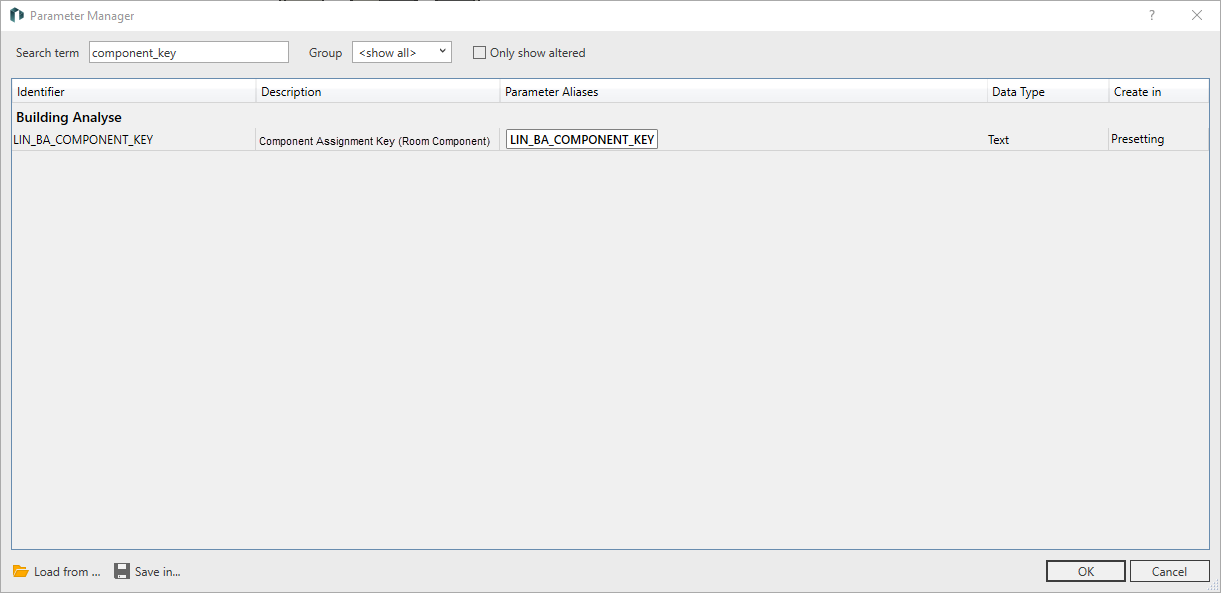
In the Parameter Aliases column, click on and in the context menu on Select Parameter Definition ....
In the Select Parameter Definition dialog: select the desired external parameter and click OK.
The external parameter is displayed in the Parameter Aliases column.
Remove the default assignment in the Parameter Aliases column by clicking on x.
Confirm the assignment by clicking on OK.
The values of the external parameter are extracted from the mapped LINEAR parameter and are available for further processing.
About Cookies
This website uses cookies. Those have two functions: On the one hand they are providing basic functionality for this website. On the other hand they allow us to improve our content for you by saving and analyzing anonymized user data. You can redraw your consent to using these cookies at any time. Find more information regarding cookies on our Data Protection Declaration and regarding us on the Imprint.
 and in the context menu on Select Parameter Definition ....