-
Click RUS Tool
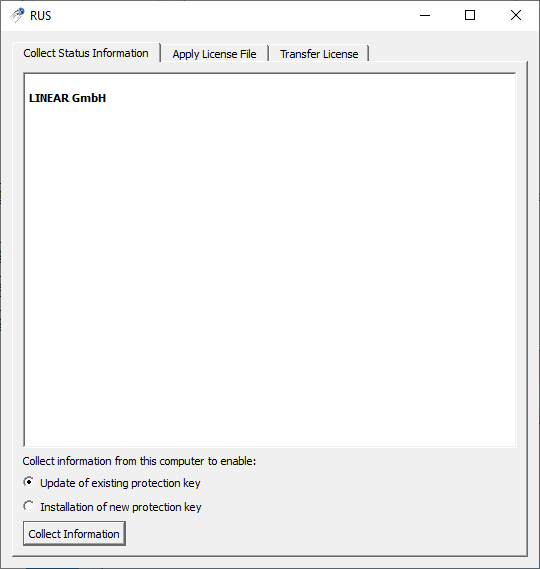
The RUS dialog opens.
-
On the Collect Status Information tab, activate the Update of existing protection key option and click Collect Information.
The required information is compiled and the Save key status as dialog opens.
-
Enter the dongle or softlock number as the file name and click Save.
The fingerprint of your license server has been updated and saved.