-
Select the System and the Scheme.
-
Select all rows to which you want to assign the same classification.
-
Click the right mouse button.
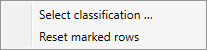
The following context menu appears:
-
Select Select classification ....
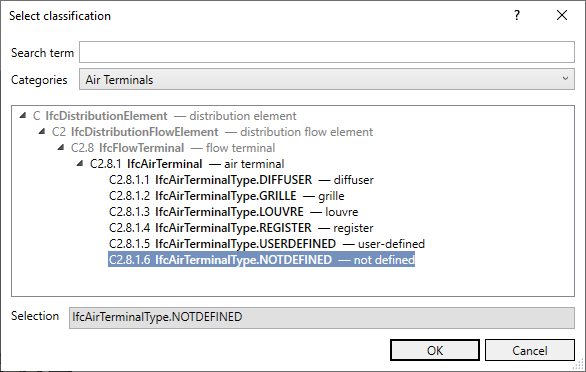
The Select classification dialog opens.
-
Select the classification you want to assign and click OK.
-
Repeat the steps 2 to 5 if necessary to assign different classifications to more components.
-
Confirm the Select classification dialog with OK.
You have assigned a classification to the components.