-
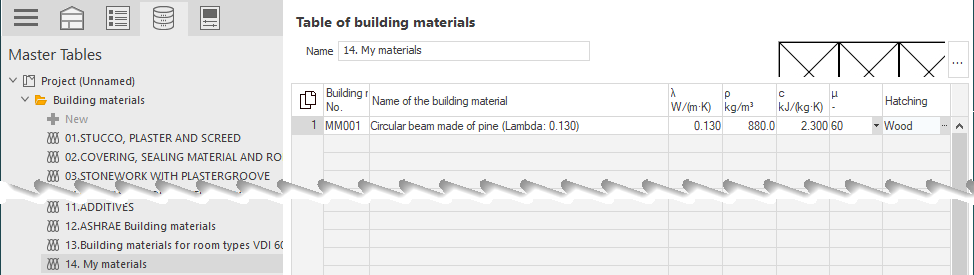
Click the category in which you would like to create a new building material.
The table with the building materials included in the categories is displayed.
-
There are two ways to create a new building material:
- Click in an empty line to create a new entry, or
- click in the line above which you would like to create the new entry and press F5.
-
Enter a Building Material No. and a Name of the Building Material.
-
Enter the material values for thermal conductivity, consistency, specific heat capacity and vapor diffusion.
-
In the Hatch column, after clicking
 , select a hatching for the new material.
The new building material is created and can be used immediately.