-
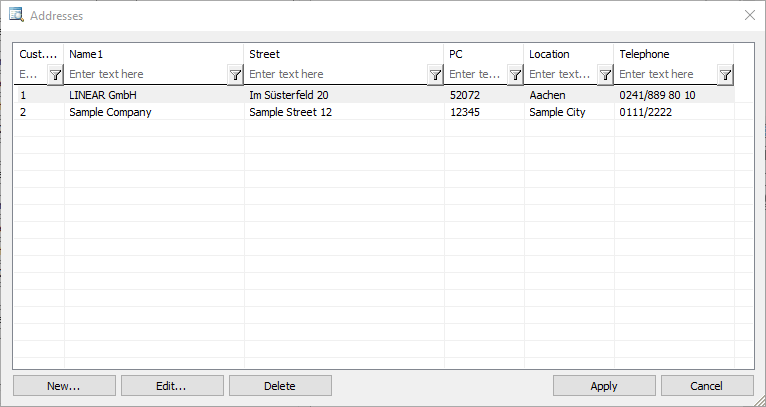
Click New...
The Create new address dialog opens.
-
Enter all the desired data and click OK.
-
Repeat these steps for all addresses you want to create.
All addresses are entered and available in all projects.
LINEAR Revit V26
Shows step-by-step how to enter new addresses in the Address book.
Click New...
The Create new address dialog opens.
Enter all the desired data and click OK.
Repeat these steps for all addresses you want to create.
All addresses are entered and available in all projects.