-
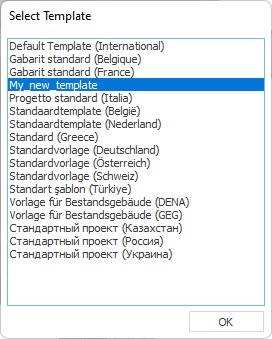
Select a template.
-
Make any adjustments you desire.
For example, you can create your own room templates in the master tables, adapt or create variables, building materials and components or assign different calculation method for air volume determination to room types.
-
Save the customized template under a new name in the installation directory of LINEAR Building: ..\Program Data\LINEAR GmbH\Solutions xx\Building\User-Standards\Templates.
The template has been created and is available for selection, with all the settings made, when creating each new project.