-
In the System Selection section, establish whether a floor, ceiling or wall system is to be added by selecting the corresponding button.
-
Determine the Manufacturer, the System Group, the System and the Pipe to be used.
-
Click
 .
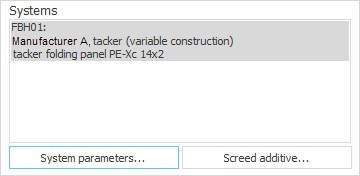
.The system is now in system preselection.
-
Click System Parameters ... and adjust the system parameters to your project’s requirements.
-
Click Screed Additive ... and add a screed additive.
-
Adjust the default settings in the General Presettings section to your project’s requirements.
-
Determine whether the design is to be Border zones always as independent circuits.
You have added and configured the radiant heating and cooling systems for preselection.