-
Click on
 (Create Label) in the toolbar.
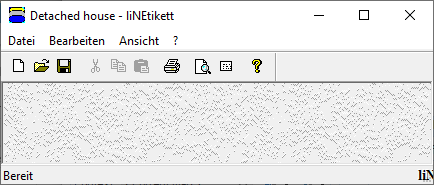
liNLabel opens.
-
Click
 (Label).
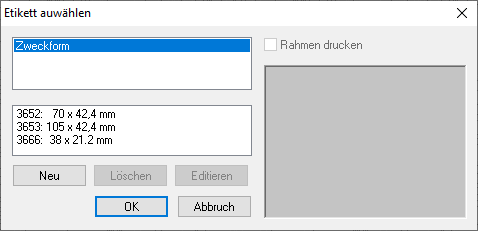
The Select Label dialog opens.
-
Select a label format.
A preview of the label sheet appears in the right window.
-
If necessary, click Edit.
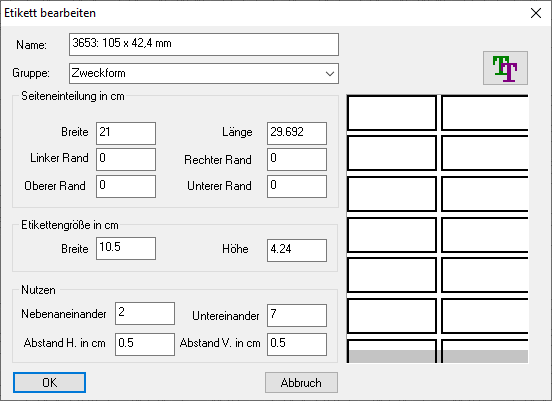
The Edit Label dialog opens.
-
Enter the desired layout settings and click
 , if necessary.
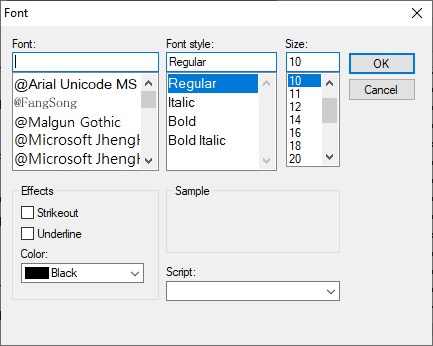
The Font dialog opens.
-
Make the desired settings for the Font and confirm with OK.
-
Confirm all open dialogs by clicking OK.
-
Click
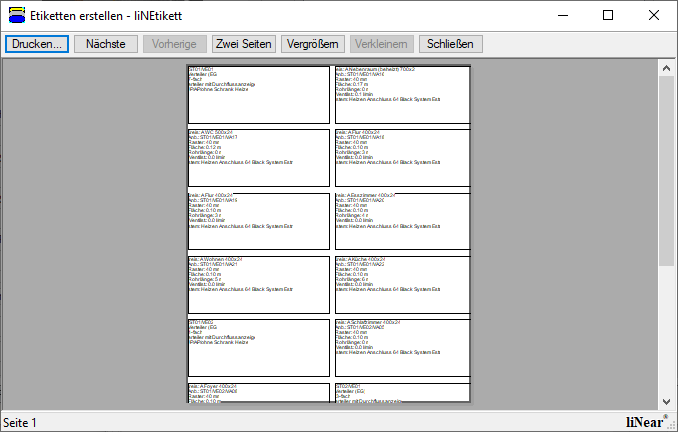
 Print Preview.
Print Preview opens.
-
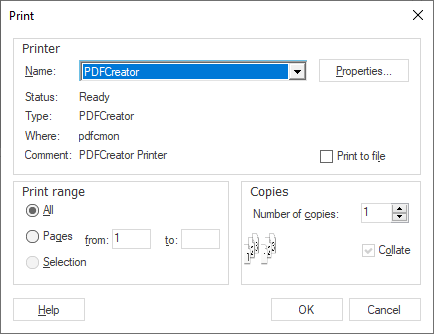
Click Print.
The dialog Print opens.
-
Make the desired print settings and confirm with OK.
The created labels will be print on the selected printer.