-
From the Project drop-down list, select the projects that you want to check for collisions.
-
Activate all categories or systems on the left and right side that are to be checked for collisions.
-
If you want to save the current configuration for later collision checks, click Save.
-
If you want to use an existing configuration, click Load.
-
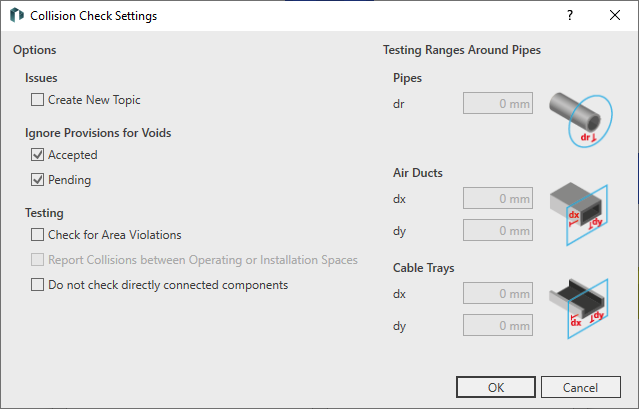
If you would like to specify additional settings, such as taking minimum distances into account or ignoring void proposals, click Settings.
The Collisions check settings dialog opens.
-
Make the desired changes and click OK.
-
Perform the collision check by clicking OK.
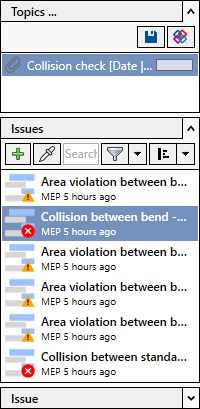
If collisions or area violations are found, a corresponding message is displayed and the results are displayed in the Issues and tasks tab.