-
Click Update Parameters <.
-
Select the void proposals for which the parameters should be updated and confirm with Enter.
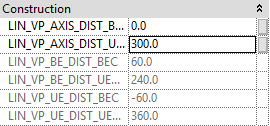
The parameters in the section Dimensions of the LINEAR Properties have been updated and show the new height.
LINEAR Revit V26
Shows step-by-step how to update the parameters of provisions for void in order to apply any height changes in the model.
Click Update Parameters <.
Select the void proposals for which the parameters should be updated and confirm with Enter.
The parameters in the section Dimensions of the LINEAR Properties have been updated and show the new height.