-
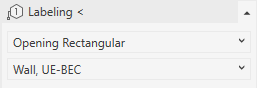
Open the Labeling < section.
-
Select the void type and the distance to be labeled from the drop-down list.
All other label characteristics are taken from the properties of the provisions for void.
-
Click Labeling<.
-
Select the provision for void to be labeled and place the label.
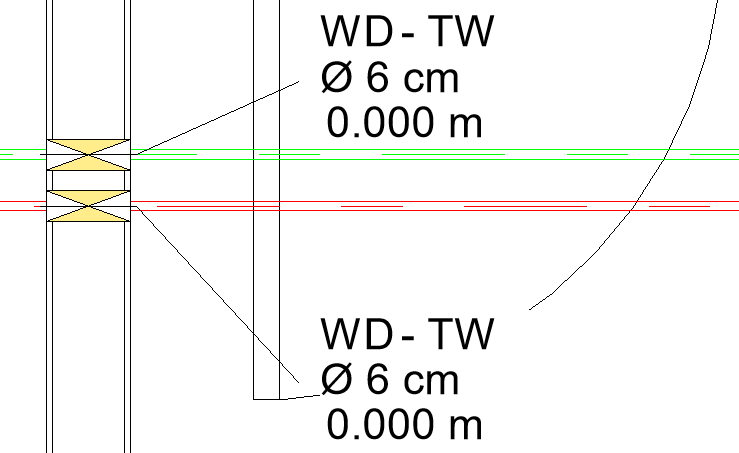
The provision for void is labeled with the void type, the discipline of the intersecting pipe or duct, the dimensions of the void and the selected distance (BEC or UEUFL).