-
If you want to see the differences between the individual issues, click on
 in the respective table row.
The Merge dialog opens.
-
Use the buttons Use the buttons
 to select from the following options:
- Copy the content from the central model (source) into your project. This causes your changes to the corresponding issue to be discarded and overwritten with the information from the central model.
- Keep your own contents (target).
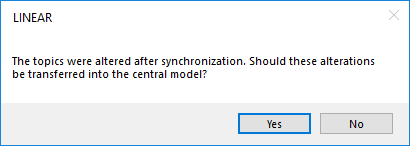
If you have transferred your own content (target), a dialog opens asking if you want to synchronize:
-
Click Yes to communicate your changes to all users.
The conflicts have been resolved and your project is synchronized with the central model.