-
Click on Replace bends (90/45) <.
-
Select the bend connection in the wastewater network.
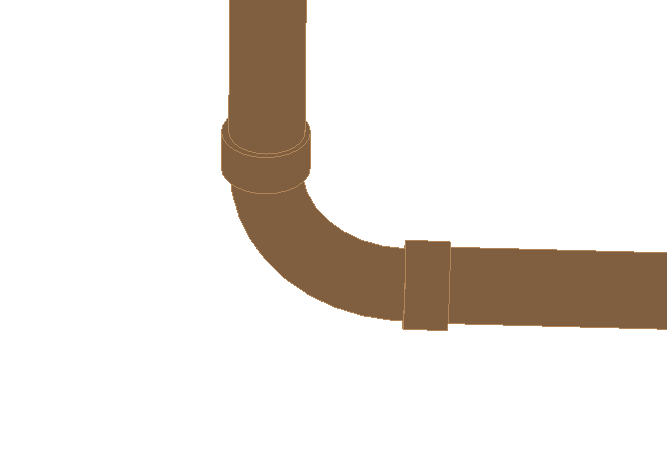
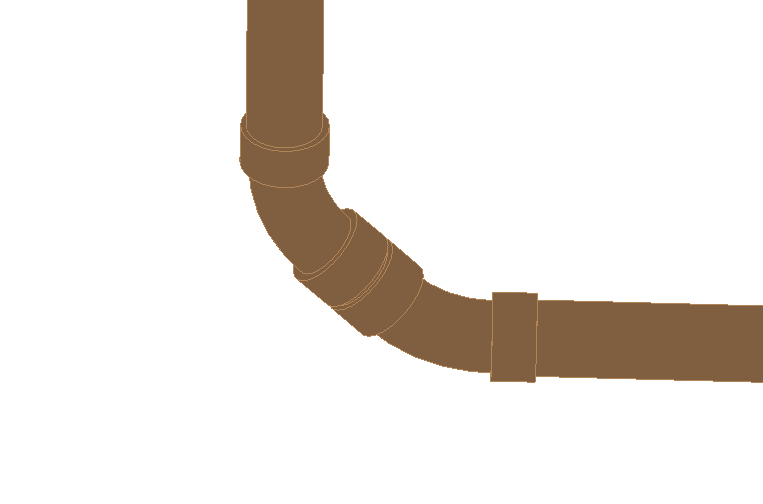
The original bend in the transition was changed to a 90° bend and two 45° bends respectively.
| 90° | 2*45° |
|---|---|
 |
 |
LINEAR Revit V26
Shows step-by-step how to exchange a 90° bend for two 45° bends or vice versa in a wastewater pipe network.
Click on Replace bends (90/45) <.
Select the bend connection in the wastewater network.
The original bend in the transition was changed to a 90° bend and two 45° bends respectively.
| 90° | 2*45° |
|---|---|
|
|