-
Click Automatic connection.
-
Select the open ends.
Different variants for the situation are shown.

-
Select the required variant using
 and confirm with Apply.
The open ends are connected.
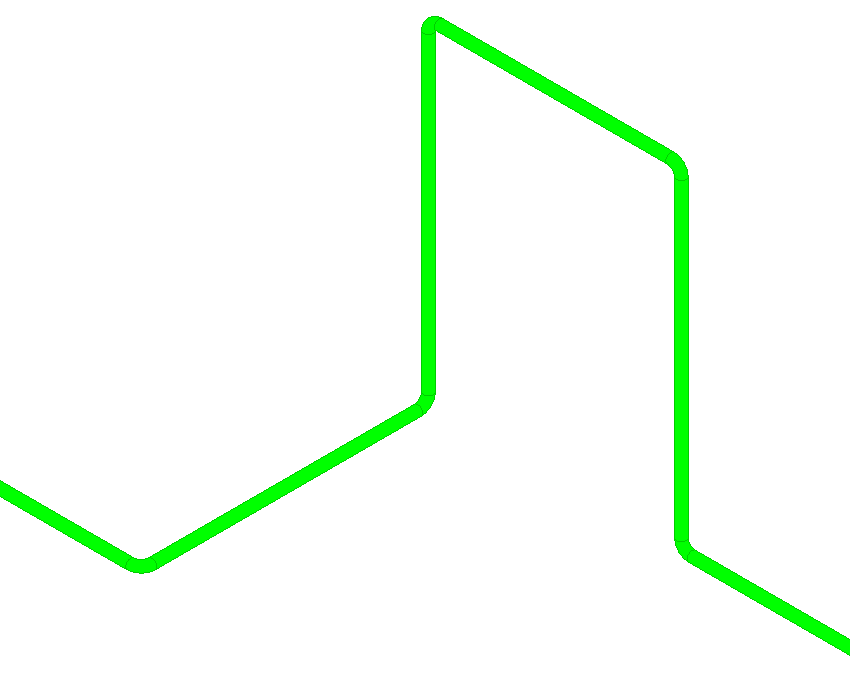
LINEAR Revit V26
Shows step-by-step how to automatically connect the open ends of two elements using pipes or ducts.
Click Automatic connection.
Select the open ends.
Different variants for the situation are shown.
Select the required variant using and confirm with Apply.
The open ends are connected.