-
Click Pumps.
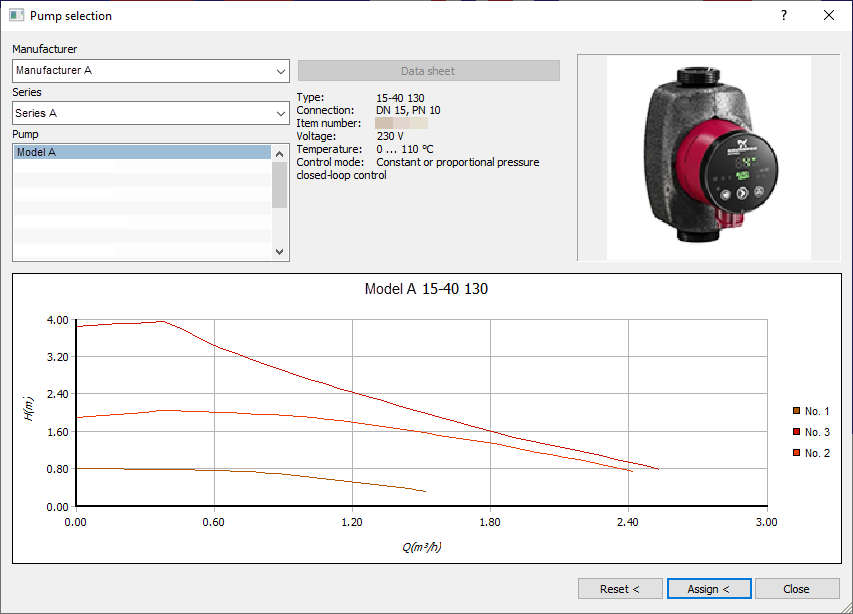
The Pump selection dialog opens.
-
Select manufacturer, series and pump model.
The graph sows the characteristics of the selected model.
-
Click Assign <.
-
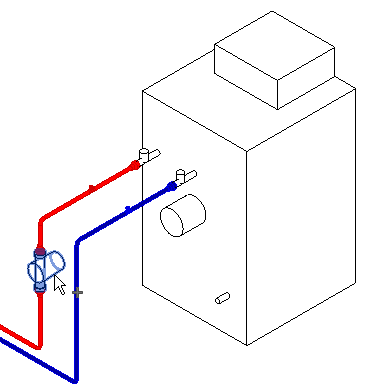
In the model, select the pumps that are to receive the selected manufacturer data and confirm with Enter.
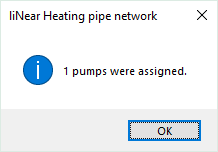
A dialog shows how many pumps have been assigned.
-
Close the dialog with OK.
You will return to the Pump Selection dialog.
The data of the manufacturer pump are assigned to the selected pumps.