-
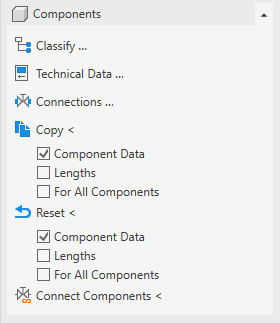
Open the Components section.
-
Click Connect Components <.
-
Select two components one after the other that are to be connected to each other.
If you want to connect two further components, select them one after another.
-
Finish the process by Esc.
The components are linked to each other and will be correctly detected and calculated in the pipe network calculation.