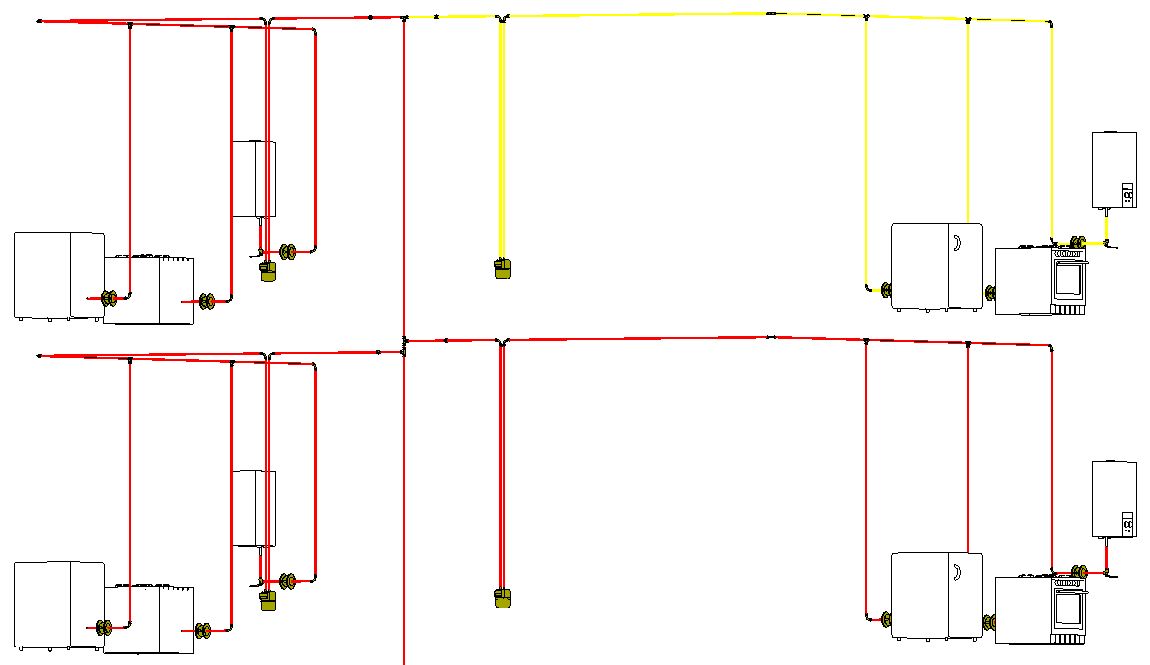
-
Click Pipe runs.
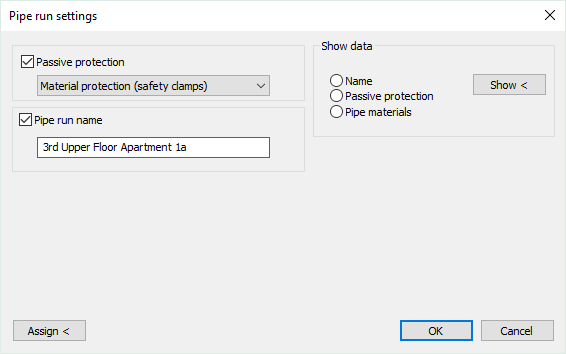
The Pipe run settings dialog opens.
-
Activate the Passive protection check box and select the type of passive protection.
-
Activate the Pipe run name check box and enter a name.
-
Click Assign<.
-
In your model, select the pipe sections that are to receive the passive protection and the name and confirm with Enter.
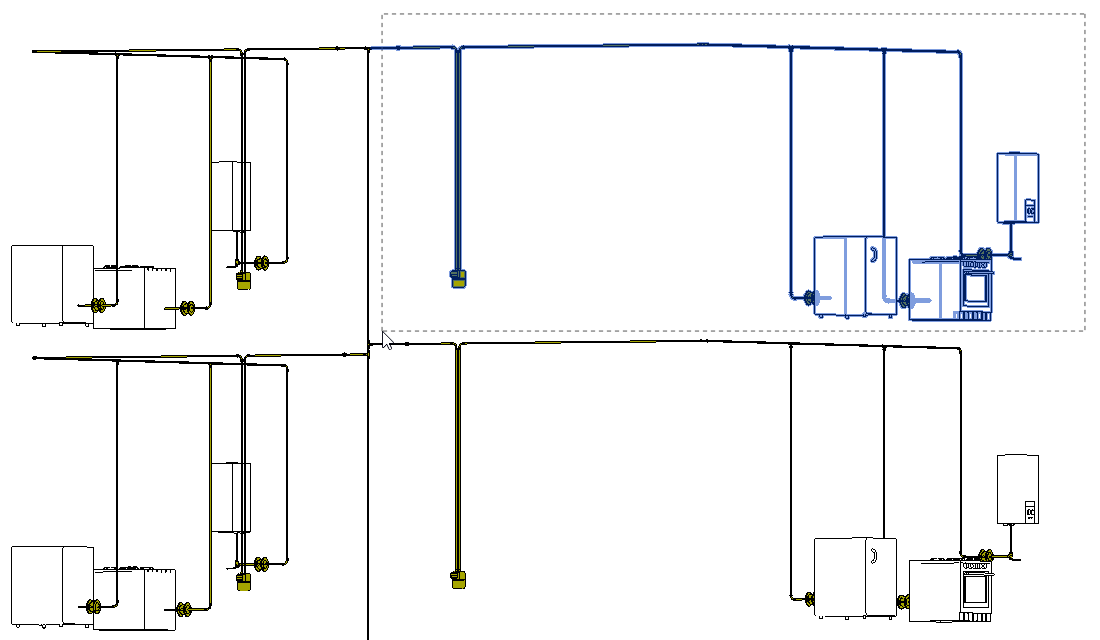
-
If necessary, repeat the steps 2 to 5 to make more assignments.
The passive protection and the name are assigned to the pipe sections and can be checked by the Show < function.