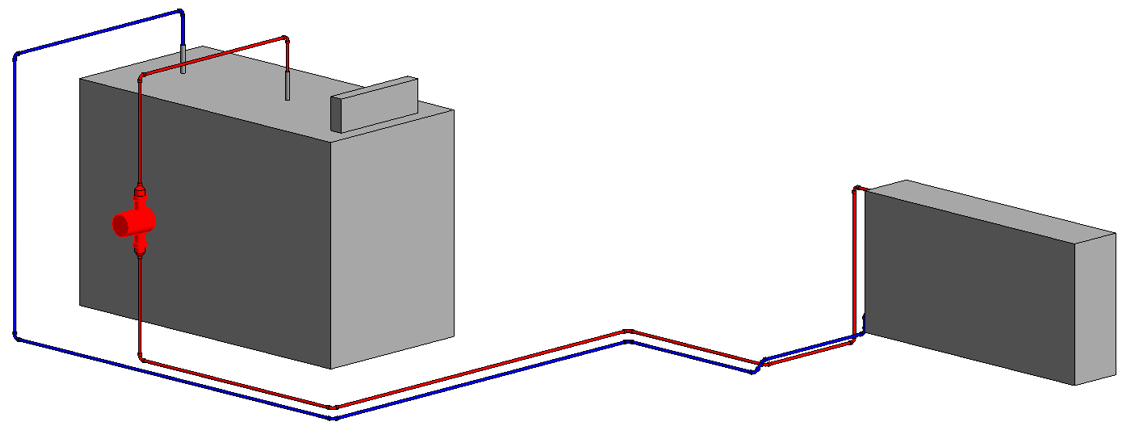
-
Click Adjust nom. diameters.
The following context menu opens.
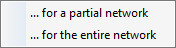
-
Select if the adjustment should be performed for the entire network or for a partial network.
A note indicates that the modification of nominal diameters can lead to post-editing the pipe network.
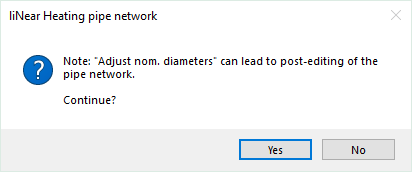
-
Click Yes and, in the case of adjustment for a partial network, follow the displayed instructions.
The adjustment of the nominal diameters is started. The duration of this process depends on the project size.
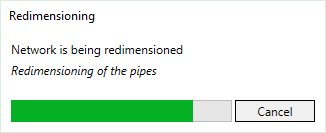
The nominal diameters are transfered to the model. If errors occurred during the nominal diameter adjustment, check the reports in the Issues and Tasks tab.