-
Open the Components section, if necessary.
-
Click Classification..
-
Make a component selection in the model that contains the components to be classified and confirm the selection with Enter.
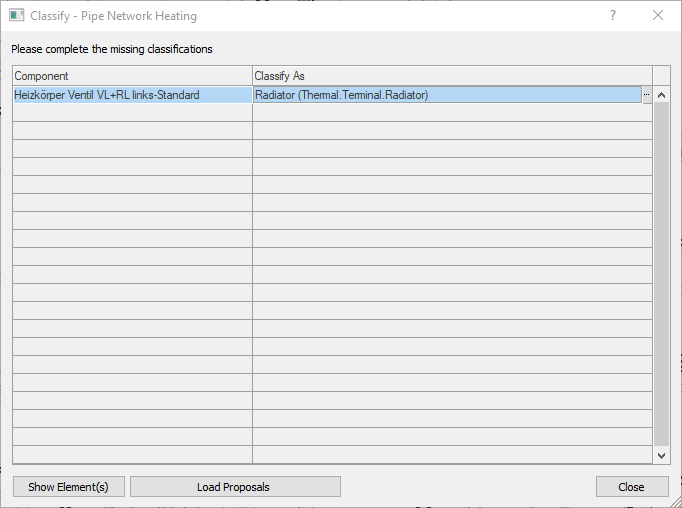
The dialog Classify - (...) opens. The family types of the selected components are listed in the table. Unclassified types have no entry in the Classify as column.
-
Click on
 in the Classify as column of the corresponding family type.
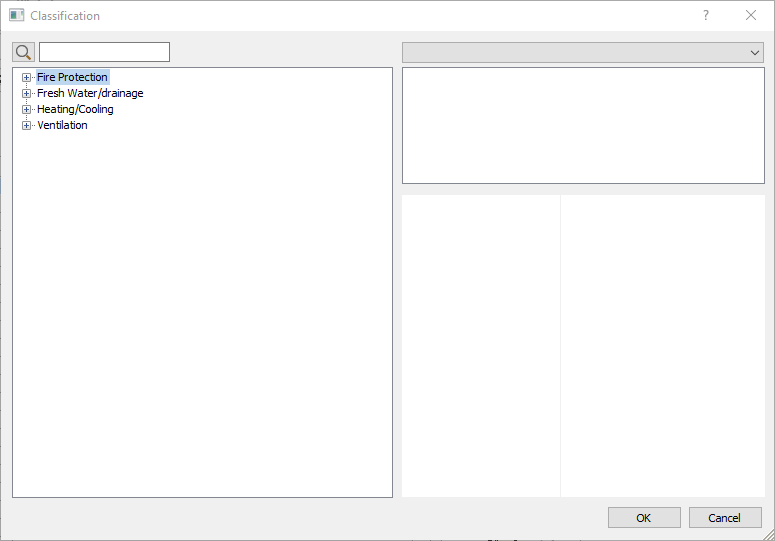
The Classification dialog opens.
-
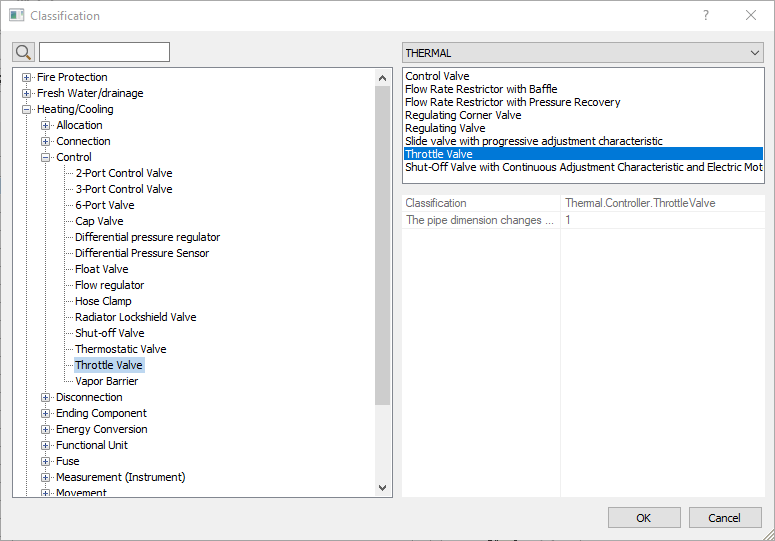
Select the desired domain, function and class for the previously selected family type in the tree structure on the left of the dialog.
-
If necessary, select a variant of the component class from the list at the top right of the dialog or use the drop-down list above to load another TEC file (e.g., a manufacturer data set) to access its variants.
-
Confirm your selection with OK.
-
Repeat the process if necessary until all family types have the desired classifications.
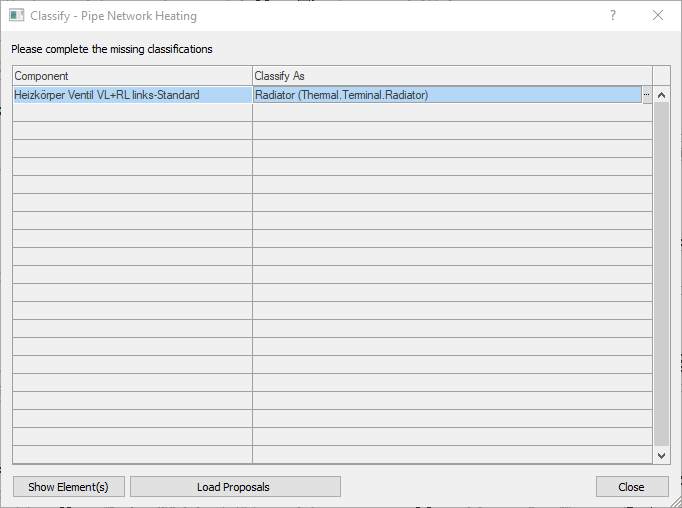
The components were classified as required and are taken into account accordingly in the pipe or duct network calculation.