-
In the row of the corresponding component, click in the cell of the ΔU(wb) column and then click
 .
.
-
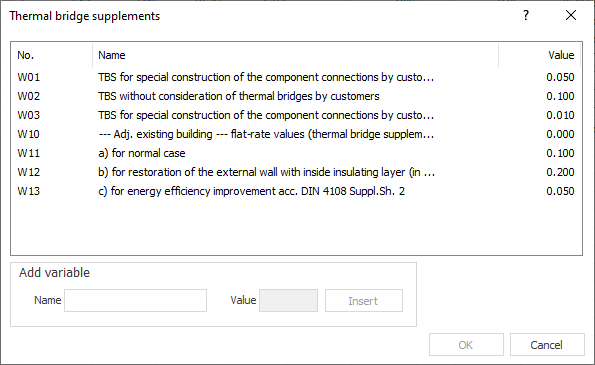
Select a thermal bridge supplement from the table or insert a user defined variable under Add Variable. Confirm by clicking OK.
You can also edit the table of thermal bridge supplements under directly.
An individual thermal bridge supplement was set for the component.