-
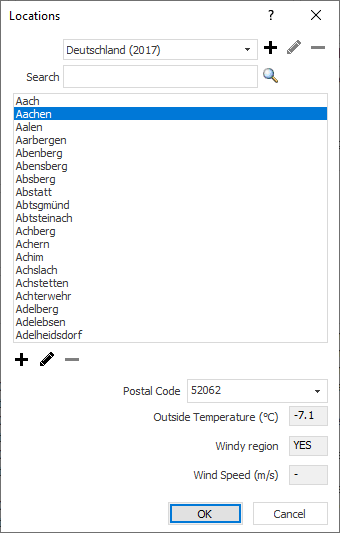
Click Location Selection ….
The Location dialog opens.
-
In the upper right area of the dialog, click
 .
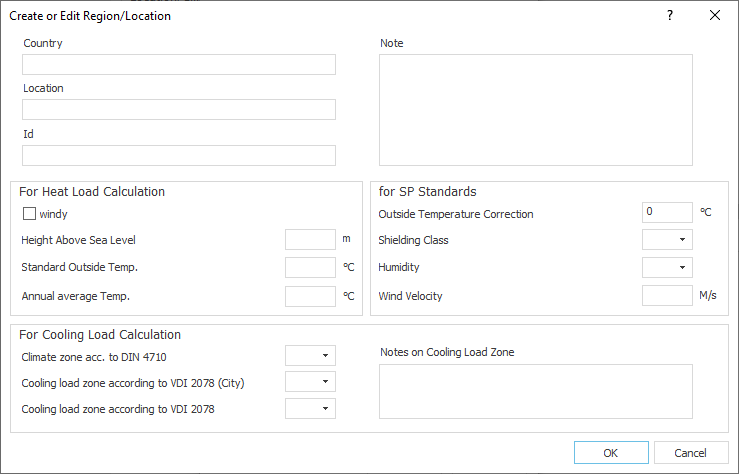
.The Create or Edit Region/Place dialog opens.
-
Fill in the mandatory fields Country (name of the data set), Location (name of the first location of the data set) and Standard Outdoor Temperature (of the first location), make any further settings and click OK.
You have now created your own dataset with the first location and the associated values.