-
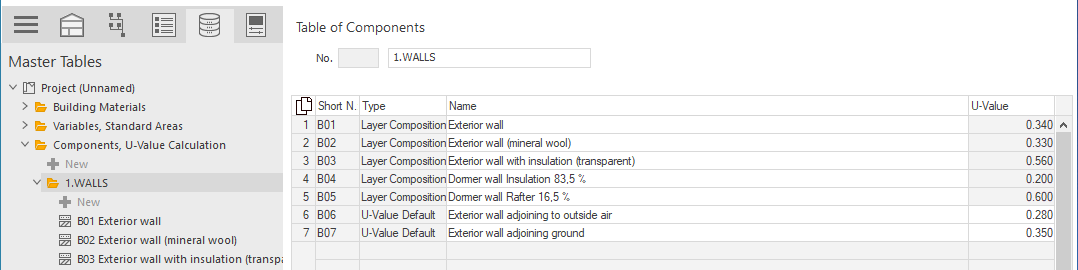
Expand the folder of the component category that contains the components to be edited.
-
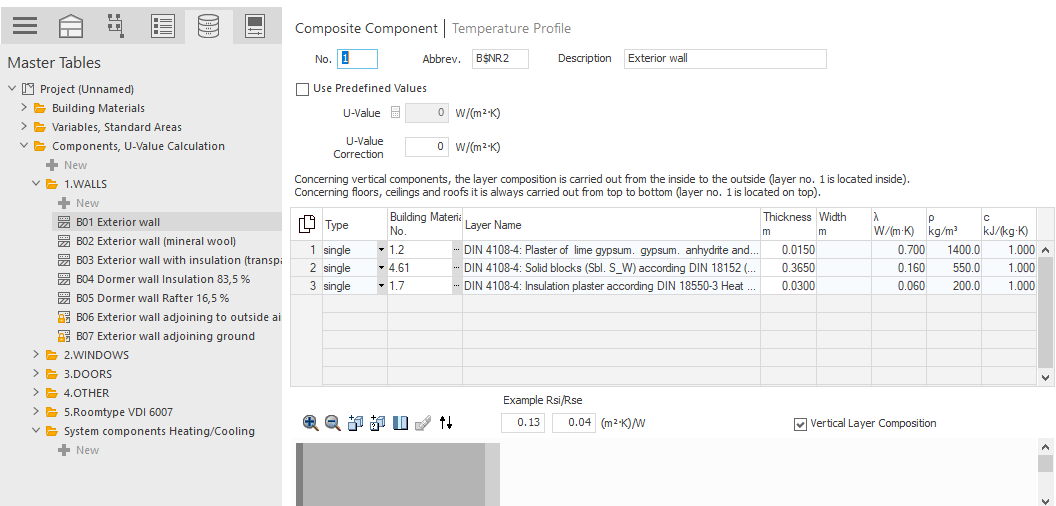
Select the component to be edited.
-
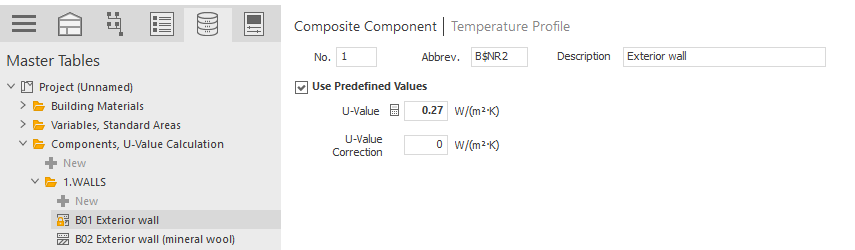
Activate the Use Predefined Values option and enter the U-Value for the component.
-
If the component is a composed component with facade fasteners, enter the desired correction supplement in the U-Value Correction field.
-
Repeat these steps for all components whose U-values you would like to configure.
The predefined U-values of the components in your project are set and taken into account in the calculation.