-
In the Thermal Bridge Supplements drop-down list, select Estimated Thermal Bridge Supplements.
-
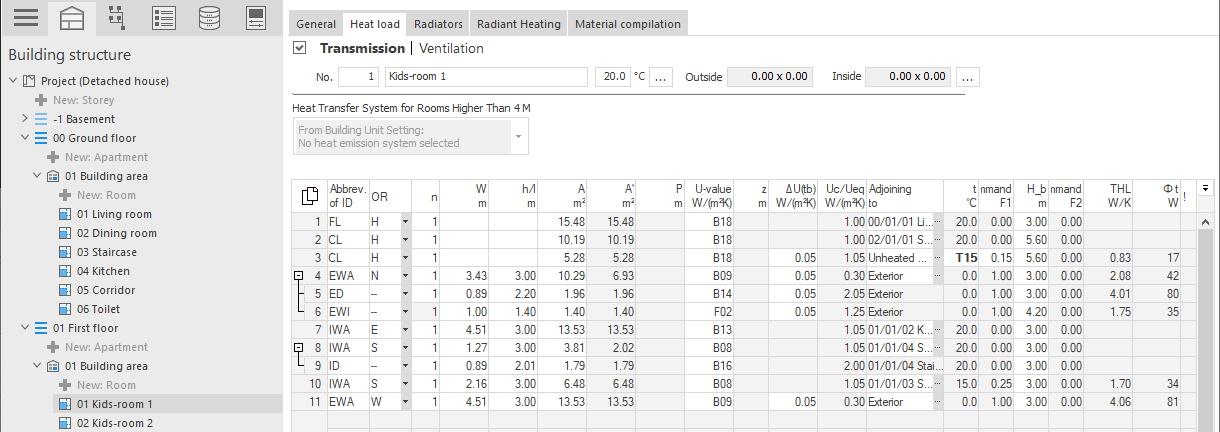
In the Building structure, navigate to the desired room and ensure that the Transmission area is selected.
-
In the row of the corresponding component, click in the cell of the ΔU(wb) column and then click
 .
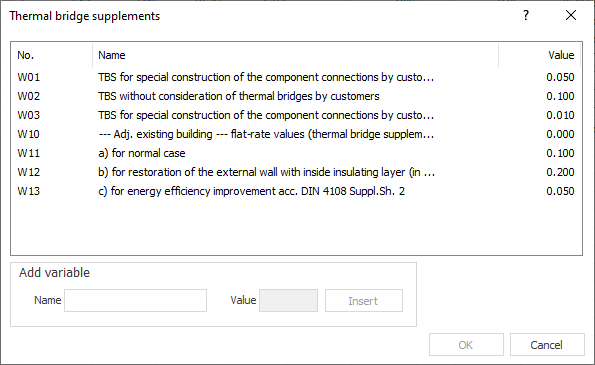
.The Thermal Bridge Supplements dialog opens.
-
Select a thermal bridge supplement from the table or add a user-defined thermal bridge supplement with corresponding value under Add variable and confirm with OK.
A global thermal bridge supplement was assigned to the component.