-
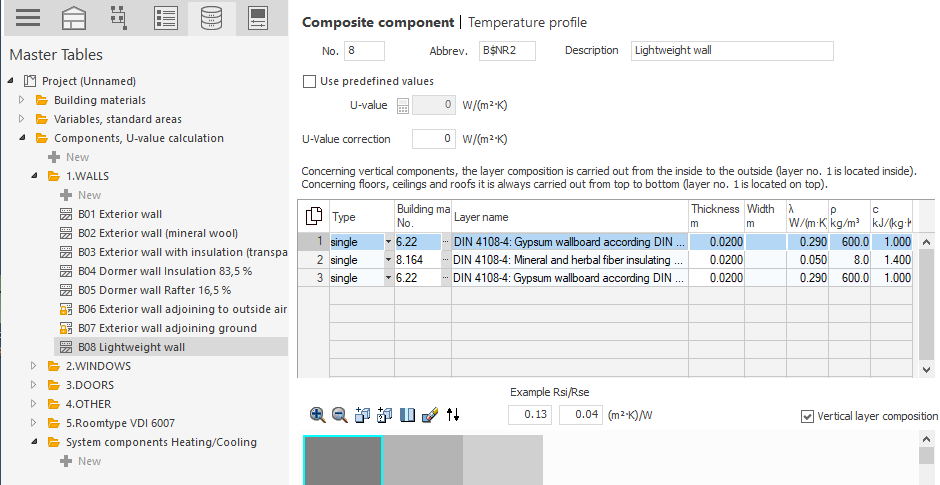
Click in the table and specify the Type of layer.
-
Enter the number of the building material for the layer in the Building Material No. column or click on
 and select Building Material List to select a building material from the list of building materials. Alternatively, you can also enter the name of a building material instead of the number and confirm so that all applicable building materials are displayed in the Building Material List.
The remaining fields of the table are filled with the values of the selected building material and the selected layer is displayed in the graphical layer editor.
-
If necessary, edit the Thickness of the layer.
-
Add the remaining layers.
-
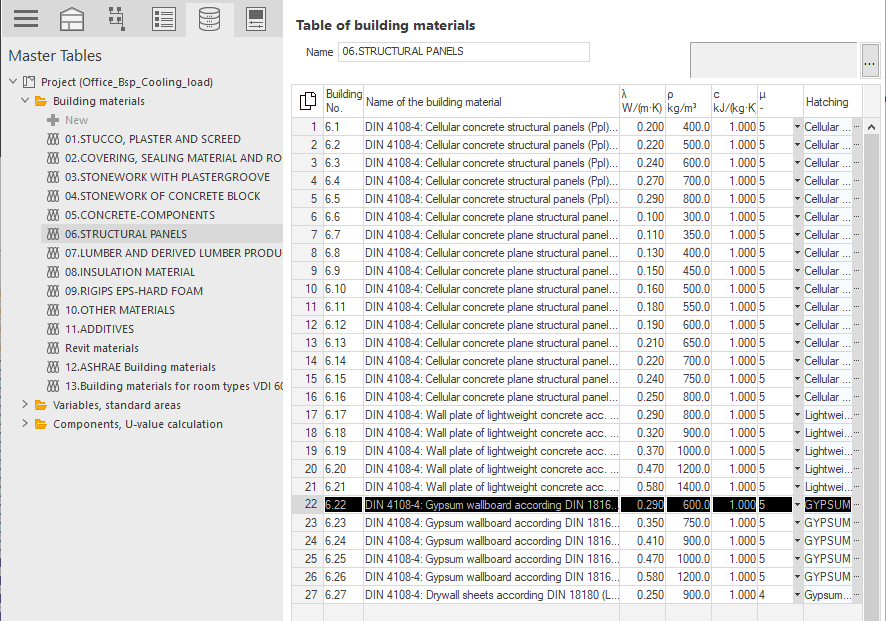
If you would like to edit the material values of a layer, navigate to the corresponding building material in the master tables.
-
Click in the column of the value you would like to edit and enter the desired value.
The component has the desired layer structure with the possibly adjusted material values.