-
Open the drop-down list Thermal bridge supplement.
-
Select the Individual determination category.
-
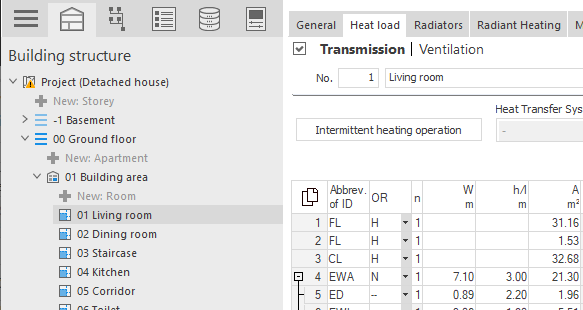
Switch to the desired room in the building structure.
-
In the row of the corresponding component, click in the cell of the ΔU(wb) column and then click
 .
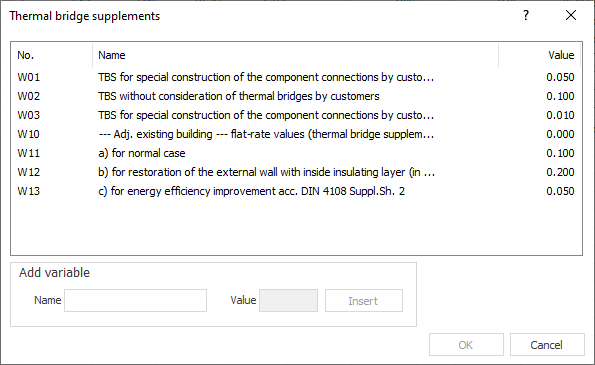
.The Thermal bridge supplements dialog opens.
-
Select a thermal bridge supplement from the table or insert a user defined variable under Add Variable. Confirm by clicking OK.
An individual thermal bridge supplement was set for the component.