-
Open the component group in which you would like to create the new component by clicking
 .
. -
Click + New.
The Which type of component?dialog opens.
-
Select the component type, enter the Name for the new component and click OK.
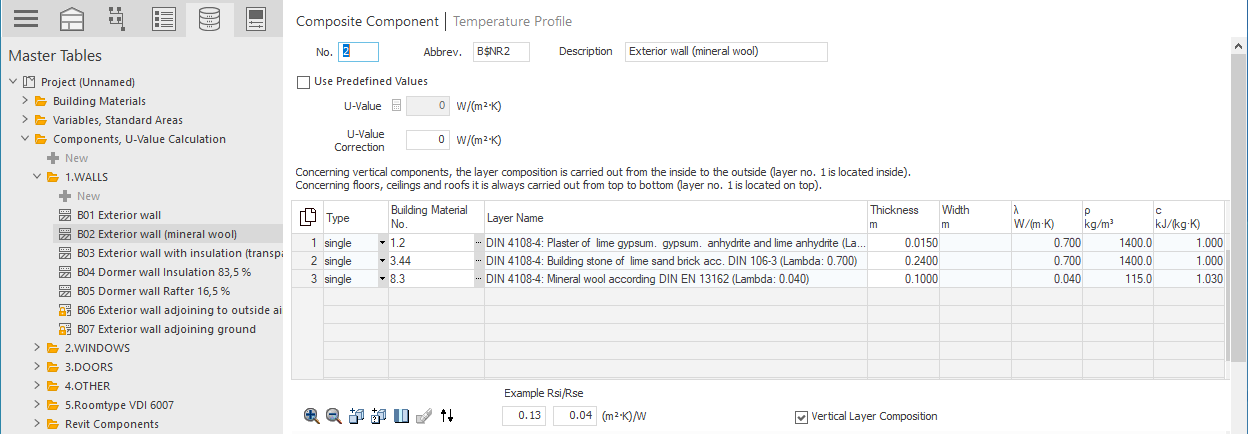
The new component is created and the edit view for the component is opened.
-
Activate the Use Predefined Values option and enter the U-Value for the component.
-
If the component is a composed component with facade fasteners, enter the desired correction value in the U-Value Supplement field.
The new component is created and can be used in the rooms of your project.