Assigning Radiator Connections
Shows step by step how to assign connections to radiators.
Before you begin
Assign connections to the radiators so that the matching connection material is given out in the material lists.
Requirements:
-
The pipe network is detected.
-
In the pipe tables, a manufacturer system is selected that contains connection sets for radiators.
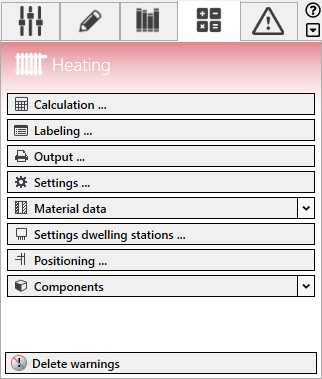
Navigate to:
Procedure
- Click Assign radiator connection.
The Assign radiator connector dialog opens.
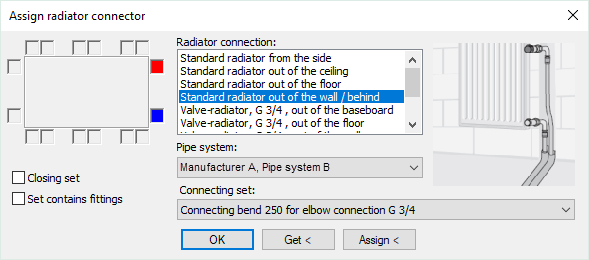
- Select a radiator connection and a connection set.
- If the radiator to which the connection is to be assigned, is the last component in a row, activate the Closing set check box.
- Click Assign <.
- Select the radiators that are to receive the selected connection and confirm with Enter.
Results
The radiator connections are assigned to the selected radiators.